Going to do later. Sounds cool!
It was hanging on removing unneeded apps today on 17763, but I had run the decaprifier script ahead of running this, so it seems to get stuck if it encounters a problem.
That part just takes a long time to complete, and it doesn’t show it’s doing anything. Could you check system usage?
You might want to re enable memory compression in your script. For some reason, it deactivates it and increases memory usage quite a lot.
Enable-MMAgent -MemoryCompression fixes this issue.
1 Like
I have enabled memory compression, but I don’t see any improvement…?
I’ve noticed the ram usage being high, but if I let the system sit for a while it does go back down to 550mb
edit: Used that command, memory usage at 330MB right now. Adding this to the script, thanks @hojnikb
edit 2: seems like maybe on 1709 this causes firefox to crash? Going to reinstall it, so let’s see (Used an older version off my thumb drive, looks like it’s working)
Yeah, firefox needs a lot of ram, so if you don’t have compression and/or page file enable, it wont run properly.
No, turning it ON was causing it to crash until I went back to the older version.
Updated with a bunch of additional commands from tron script!
Use the same download link
For those who are wondering, this is Tron (script):
https://www.reddit.com/r/TronScript/
Hey johnny, the script has been updated to also delete the OneDrive installer, maybe that’ll help for you?
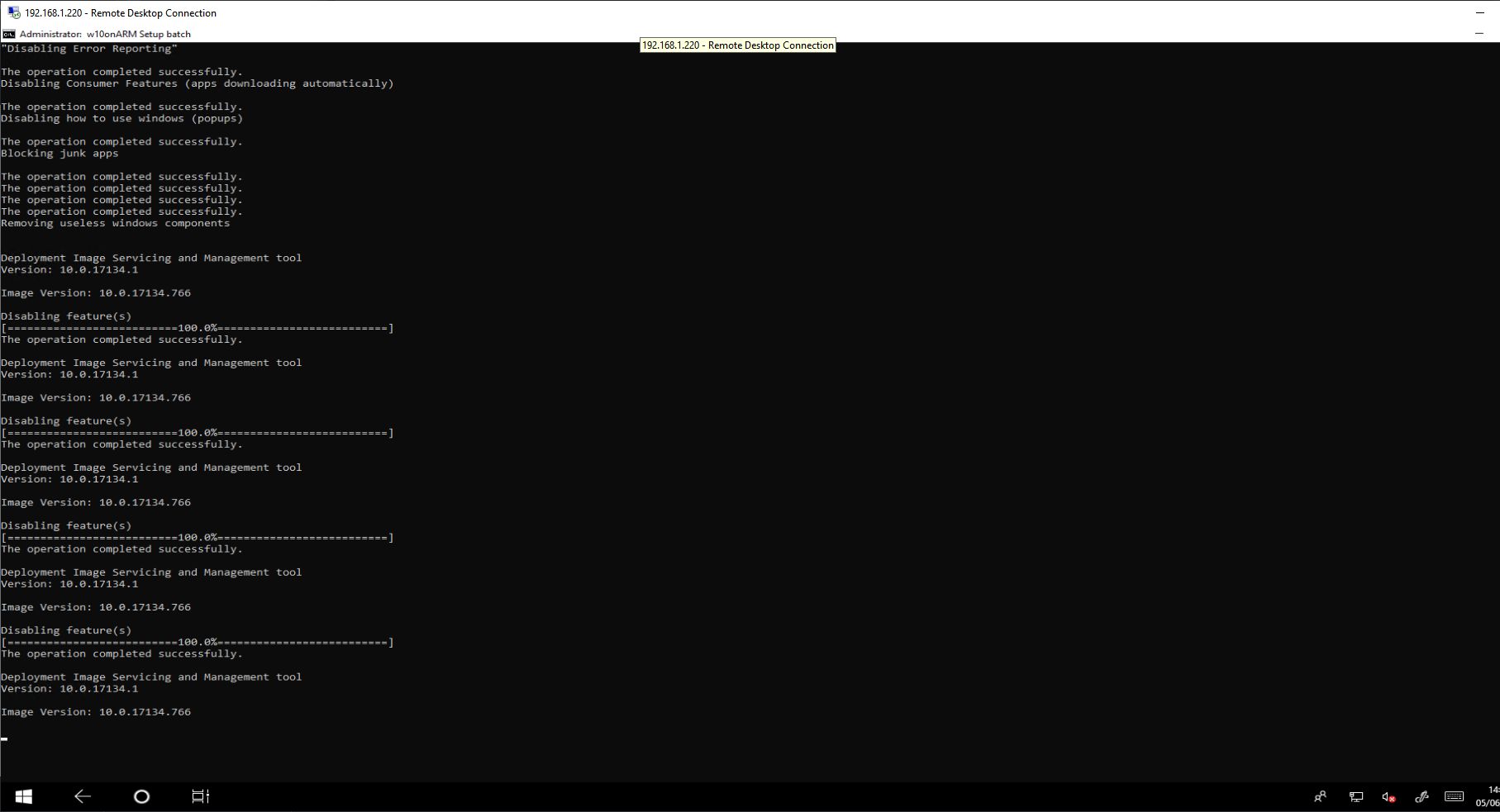
No just performing multiple actions 
I’am not quiet sure if it’s a good idea to disable SuperFetch because bassicly the ram gets full very quick and then the data must be stored on the SD card + read from the SD card.
With SuperFetch the cpu is bassicly compress the data in the ram (I have zero harddrive workload so it can’t be the drive).
BUT it’s cpu intensive I switched it off and I have 1-3 cpu usage, with feature enabled its constantly 7-11 percent + if you do something it goes up to 60-80% where normally it’s only 20-40%
So yeah hmmmm
You don’t seem to know what superfetch is actually doing
By disabling it you’re getting lower ram, disk, and CPU usage
Yes it also works on x86…
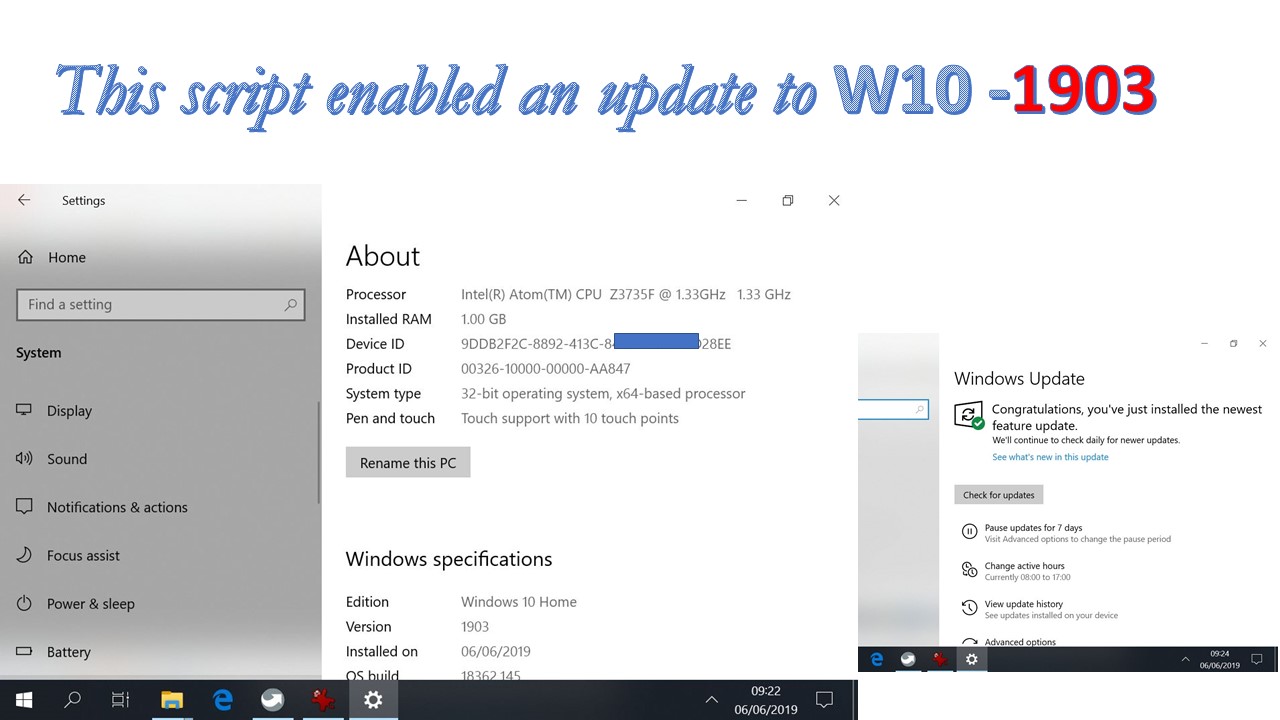
I was trying and failing to upgrade a 1GB touch tablet to version 1903 . Just tried the script this morning and everything went on smoothly.
Thanks .
no not on my Pi its actually the opposite if i deactivate superfetcg the ram goes over 90 % and i only have like 4-5 programs open.
if you google superfetch its actually the memory conpress system and thats exactly what it does on my pi.
disabled i have 0% compressed memory, activated i have 100-200 MBs compressed like it should.
Memory compression is separately enabled in the script
I didnt use the script yet but then superfetch is activated? Because thats where Win 10 uses the compression.
Edit: I looked in the script:
“Enables application launch prefetching, operation recorder API functionality, page combining, and application prelaunch.”
Prefetching is a part of Superfetch so bassicly it enables it with that command.
See here:
"To manage SuperFetch via the registry key enter ‘regedit’ into the Run box to open the registry editor. BE VERY CERTAIN THAT YOU KNOW WHAT YOU’RE DOING WITH THE REGISTRY EDITOR! Navigate to the key HKLM\SYSTEM\CurrentControlSet\Control\Session Manager\Memory Management\PrefetchParameters and add a DWORD (32 bit) value called ‘EnableSuperfetch’ (if it doesn’t already exist), give it one of the following values:
0 - To disable all SuperFetch functions
1 - To enable SuperFetch only for applications
2 - To enable SuperFetch only for booting
3 - To enable SuperFetch for everything"
Prefetch and superfetch are separate within windows, inside the script superfetch gets disabled, while renabling memory compression and keeping prefetch enabled.
Did you o your tests on a PC or on the PI? On the PI disabling superfetch is super important because it preloads apps windows thinks you want to use, which then fillds your ram and it also maxes out the disk usage as the SD card performance is quite slow.
edit: I encourage you boot up your PI, open CMD as admin, and run this then reboot and let me know what the results are for you:
sc config "SysMain" start= disabled
sc stop "SysMain"
powershell -command Enable-MMAgent -MemoryCompressionI’am on Version 1803 and if i disable Superfetch the ram goes up to 100 % and i have heavy load on the SD card (because he must write the data to the disc).
With Superfetch the whole system runs better, has it something to do with how many Apps are opened? I actually have only 3 Apps open because the Pi just do backups from my FTP.
Its strange because if i disable Superfetch the whole system gets slowed down because the RAM is completly full and i also tried that over powershell it activates Superfetch.
On which version are you? Maybe they changed something in the newer versions.
Bassicly when i disable Superfetch and then typ in the command above in the powershell and look then Superfetch is back to “Automatic”.
So it seems like in 1803 its definitly the same process.
I think iam right, it was renamed in 1809 to SysMain thats why i got no replay in the powershell for the first commands (because iam on 1803) only for the third one which just enabled Superfetch, now it makes sense.
Edit2: Ok i looked it up there is no “SysMain” Process at all so yeah seems like thats why its not working like it should.